

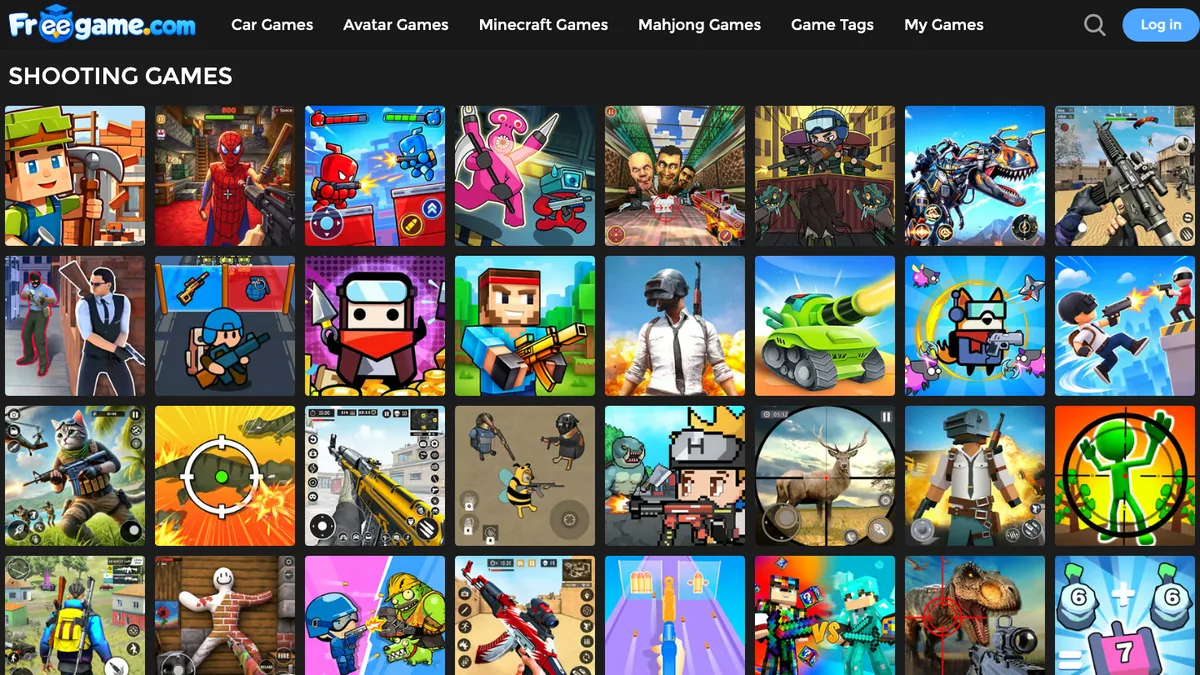
Most people will play games using whatever device they have available. This could be a thin laptop with built-in graphics, a Chromebook at school, or maybe a mid-range phone with an Android operating system which starts to heat up if it plays a heavy 3D game for too long.
Lightweight HTML5 and WebGL games work great on low-spec devices. As there is no complicated rendering engine, your modern browser game will provide smooth 3D physics and frame rates with no issues playing on basic hardware.
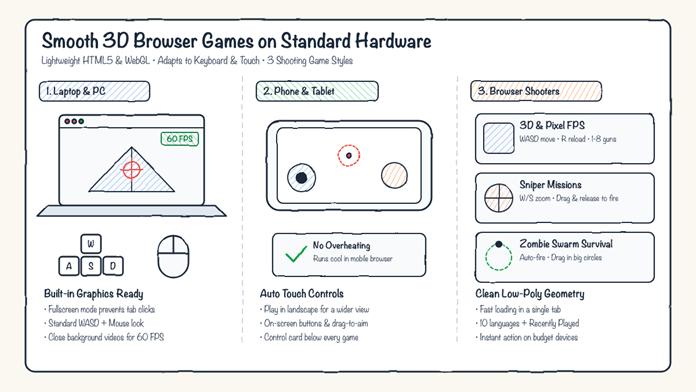
How lightweight HTML5 & WebGL games adapt to laptops, phones, and different shooting styles
Play One Game Across All Devices
If you have a good-quality browser portal, your games will automatically adapt to whatever device you’re using. For example, if you want to play a free game online, it will work on both your desktop and mobile device.
If you’re playing on a laptop or PC, the game will have standard keyboard and mouse controls. This could be WASD / Arrow keys for movement and mouse look. However, if you’re playing on a phone or tablet, you’ll see on-screen controls.
All games will have a simple guide showing you what controls to use on your PC or Mobile. There are also tips, a Recently Played section, and 10 languages supported. If you’re playing on a phone rather than your computer at home, you’ll instantly know what to do.
Quick Reaction Times on Low Budget Devices
Although action games will often lag on older devices, shooting games will work extremely well in your browser. These are low-poly 3D environments with simple collision and clean geometry. There are 3 different styles of games to choose from depending on how you like to play:
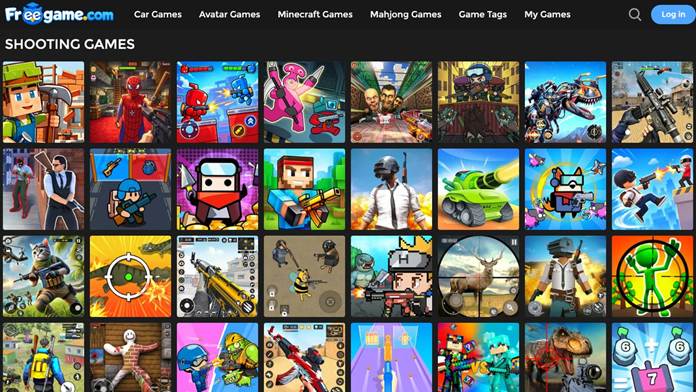
Browser shooting games catalog: Instant-play 3D FPS, sniper missions, and zombie survival titles
- 3D and Pixel FPS – Get stuck into some urban ruins, industrial warehouses or desert outposts. On PC you can move around with W, A, S and D. Shoot with left click, reload with R, and switch between your rifle, shotgun and sidearm with 1-8 keys. The low poly and pixel textures will make the game run smoothly.
- Sniper – If you like to take your time, the sniper missions will have simple controls. On PC use the W key to zoom in and S to zoom out. On Touchscreen devices simply drag to aim and let go to shoot. Wait for a clean shot!
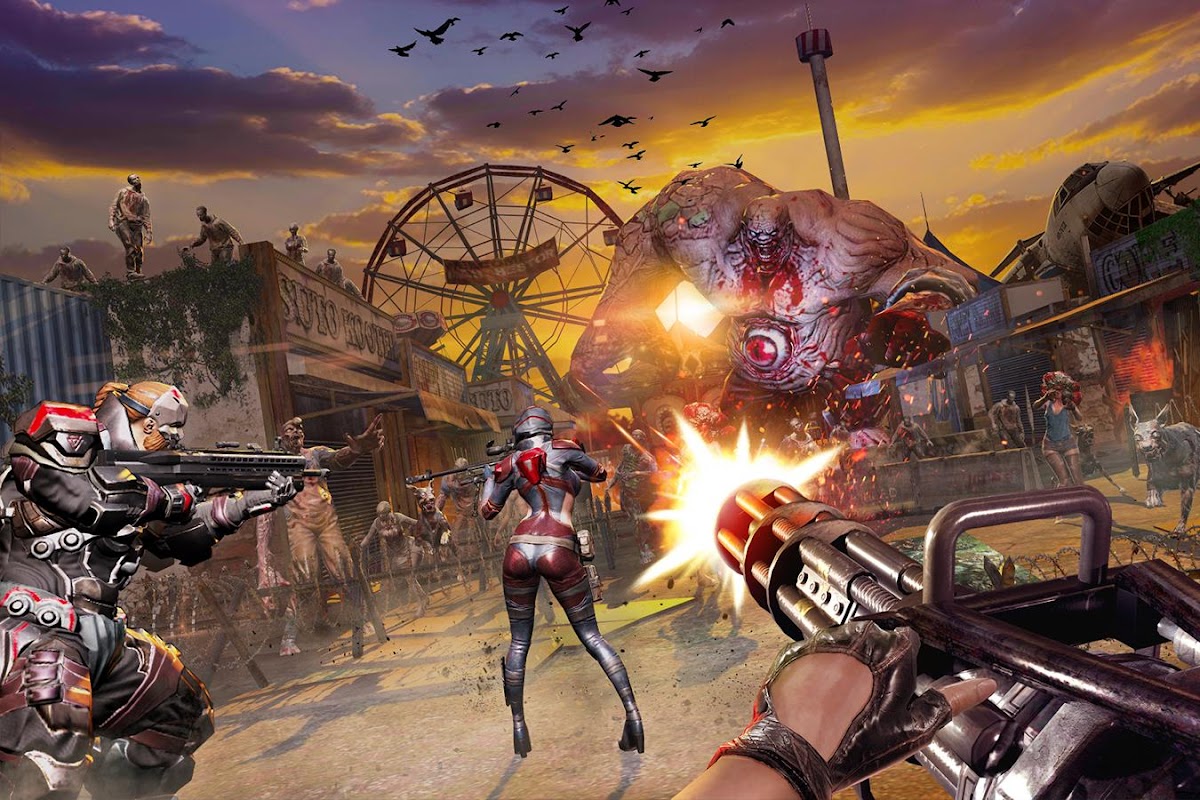
- Zombie & Swarm Survival – Play on your mobile device or if you just want to take it easy. These are all automatic shooting games. Simply drag your character in big circles to make the zombies pile up behind you.
3 Tips for Playing Games in Your Browser
To get the best performance out of any browser game on your standard laptop or phone:
- Look at the controls card – This shows you what controls to use on PC or Mobile. Check the notes below the game for PC and Mobile controls. This way you know whether to press R, E or Space to reload.
- Fullscreen or Landscape – On your laptop play the game in fullscreen. This will stop you accidentally clicking on your browser tabs. On your phone play the game in landscape mode to give yourself a wider view.
- Close any videos in the background – If you’re playing on an older device, make sure there are no videos open in the background. This will mean your browser can use the hardware acceleration on one tab. This will make sure you get a smooth 60 FPS on even basic laptops and budget phones.



Replying to