

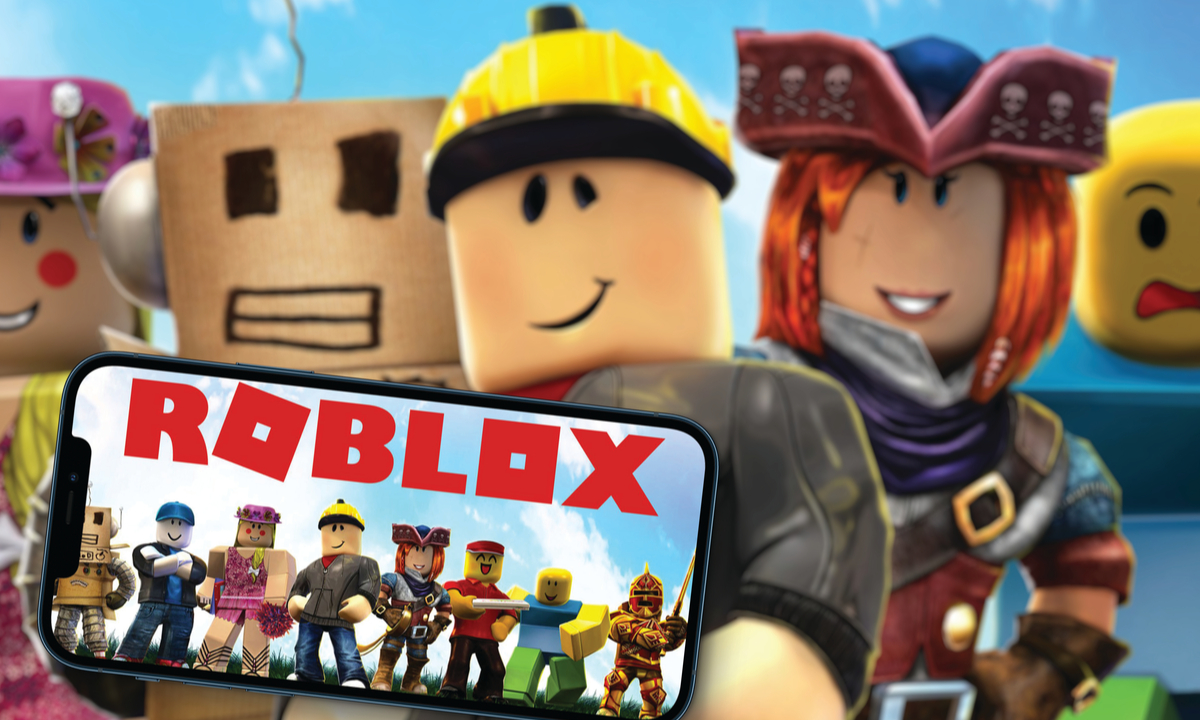
How to Activate the mic in Roblox you must understand for those of you who like to play this game. The reason is, this feature will make it easier for you when you are communicating in the game when mabar with your friends.
Roblox’s voice chat feature allows players to communicate directly by voice, not just through text. This is especially helpful when playing cooperative games like Brookhaven, Murder Mystery 2, or other roleplaying games. However, since this feature doesn’t activate automatically, you need to follow a few steps to activate it.
Here’s a complete guide on how to activate the mic (voice chat) on Roblox.
5 Ways to Activate Mic on Roblox

1. Requirements for Activating Roblox Voice Chat
Before you can use the mic, make sure you fulfill the following conditions:
- At least 13 years old.
- Have verified your identity (ID card/passport + selfie).
- Account has been verified with email and phone number.
- Using a device that supports microphones.
If you are not 13 years old or have not verified your identity, the voice chat feature will not appear.
2. How to Verify Age on Roblox | How to Enable Mic on Roblox
Roblox requires identity verification to ensure that users using voice chat are of legal age.
Steps:
- Open the Roblox application on your cellphone or go to the roblox.com website.
- Go to Settings > Account Info.
- At the bottom, click Verify My Age.
- Follow the instructions:
- ID Card/sim/passport.
- Selfie to match the face.
This process is safe because it’s done through a trusted third party. Once the verification is complete (usually within 1-2 hours), you can proceed to the next step.
3. Enable Voice Chat in Settings
After successful age verification, you will see a new option in your account settings.
Steps:
- Go to Settings > Privacy.
- Activate the toggle on “Enable Voice Chat”.
- Click Confirm if there is an approval notification.
If the option does not appear, make sure:
- You have updated the Roblox app to the latest version.
- Age verification has been successful and your account is at least 13 years old.
4. Make Sure the Microphone is On | How to Enable Mic on Roblox
Next, you need to allow Roblox to access the microphone.
On Computer:
- The first time you use voice chat, your browser or the Roblox app will ask for permission.
- Click “Allow ” when prompted for access to the microphone.
On Phone (Android/iOS):
- Go to Phone Settings > Apps > Roblox.
- Ensure that microphone permission is enabled.
If you have denied permission before, you can manually change the settings via your device settings.
5. How to Use Voice Chat in Games
Not all games on Roblox support voice chat. Make sure you’re logged into a game that’s marked voice-enabled (there’s usually a microphone icon on the game page).
Once you get into the game:
- If the feature is active, there will be a microphone icon above your character.
- Press the button to speak.
- Some games use push-to-talk, meaning you have to press a certain button (usually “V”) in order to talk.
Conclusion
Voice chat in Roblox is a cool feature that can make the gaming experience more exciting, especially when playing with friends. However, as it relates to security, Roblox only gives access to users who have been verified and are of legal age.
By following the steps above, you can easily activate the mic and enjoy the voice chat feature safely. Remember to remain polite when speaking and avoid using harsh words to keep the community positive!
Thus the discussion about how to activate Mic on Roblox. What do you think about this article? Don’t forget to comment below. Keep visiting Dafunda so you don’t miss other interesting information about Roblox Tips from us.




Replying to