

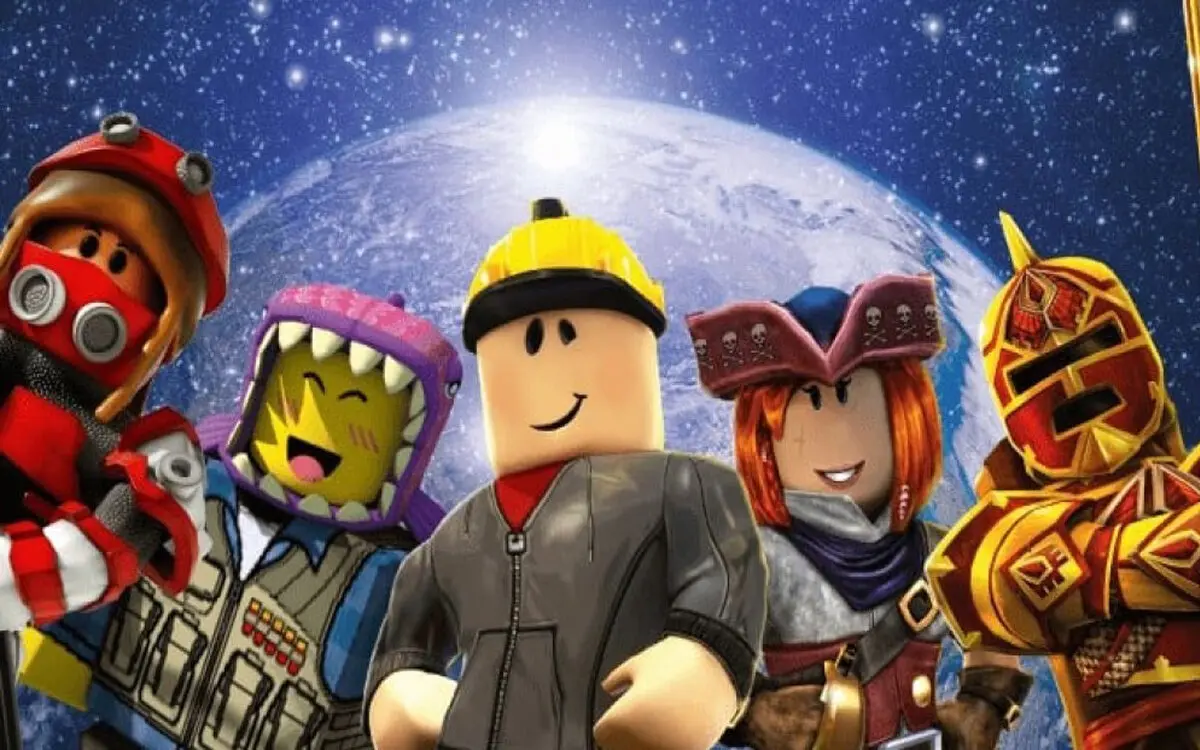
How to play Roblox together is something you should know if you want to play with your online friends. Playing Roblox alone feels really empty, but when you have friends playing with you, the atmosphere in the game feels more lively and vibrant.
Roblox is an online gaming platform that allows players to create, share, and play various types of games. One of the most exciting features of Roblox is the play together feature. With this feature, you can join your friends to explore virtual worlds, complete missions, or just have fun.
For new players, you may still be confused about how to play together on Roblox. Well, in this article, we will discuss step by step how to play together, from adding friends to joining the same server.
How to Play Together on Roblox: Rules to Follow

1. Make sure you and your friends already have Roblox accounts
Before you can play together, make sure you and your friends already have Roblox accounts.
- Register on the official Roblox website or through the Android/iOS app.
- Complete your profile, set your avatar, and ensure a stable internet connection.
If one of you does not have an account, you will not be able to play together.
2. Adding Friends on Roblox
To play together easily, it’s best to add friends on Roblox. Here’s how:
- Log in to your Roblox account.
- Click the Search icon at the top.
- Type your friend’s username, then press Enter.
- Select a friend’s profile from the search results.
- Click the Add Friend button.
If your friend accepts the request, their status will change to Friend.
3. Using the Join Game Feature
Once you become friends, you can immediately join the game your friend is playing:
- Open the Friends list in the Roblox menu.
- Search for the name of the friend you want to play with.
- If your friends are playing, a Join Game button will appear.
- Click that button to log in to the same server.
Note: If the Join Game button does not appear, it is possible that your friend has set the privacy settings so that only certain players can join.
4. Play Together Through a Private Server
Private servers allow you and your friends to play in the same world without interference from other players.
- Many Roblox games offer Private Servers (usually paid for using Robux).
- Server owners can share invitation links with friends.
- Just click on the link, log in, and you will automatically be logged into the server.
The advantage of playing together on a private server is that the atmosphere is calmer and you are free to control the game.
5. Using Party or Group Chat
Roblox also supports a party feature to make it easier to play together:
- Open your friends list.
- Click on your friend’s name, then select Invite to Party.
- Once your friends accept the invitation, all party members can join the same game with just one click.
In addition, you can create a group chat to discuss which games to play together.
6. Adjusting Privacy Settings
To ensure smooth gameplay, make sure your privacy settings do not restrict who can invite or join the game.
- Open the Settings menu.
- Select the Privacy tab.
- Change the setting Who can join me to Friends or Everyone.
Overly strict settings can make it difficult for friends to join.
7. Tips for Playing Together to Make It More Exciting
- Use voice chat or other communication apps (Discord, Zoom, etc.) to coordinate.
- Select a game that supports multiplayer mode.
- Adjust the number of players to the server capacity.
- Decide on your gaming goals, such as completing missions, roleplaying, or just having fun.
8. Examples of Exciting Roblox Games to Play Together
Some popular Roblox games to play together:
- Brookhaven RP – Suitable for casual roleplay.
- Adopt Me! – It’s exciting to adopt virtual pets with friends.
- Blox Fruits – An action adventure for anime fans.
- Tower of Hell – A thrilling parkour challenge.
- Pet Simulator X – Collect and raise cute pets.
Conclusion
Playing together on Roblox is a fun way to enjoy games with friends. With simple steps such as adding friends, joining via the Join Game button, or using a private server, you can immediately have fun together.
Also, make sure your privacy settings support multiplayer gaming, and choose games that suit the group’s tastes. With good coordination, playing together on Roblox will be an unforgettable experience.
So, gather your friends, choose your favorite game, and let’s play together on Roblox right now!
That concludes our discussion on how to play together on Roblox. What do you think about this article? Don’t forget to leave a comment below. Keep visiting Dafunda so you don’t miss out on other interesting information about Roblox Tips from us.







Replying to